Garbled ADDIN EN.CITE Code
When you insert a citation into a Word document, the citation is embedded in field codes, such as:
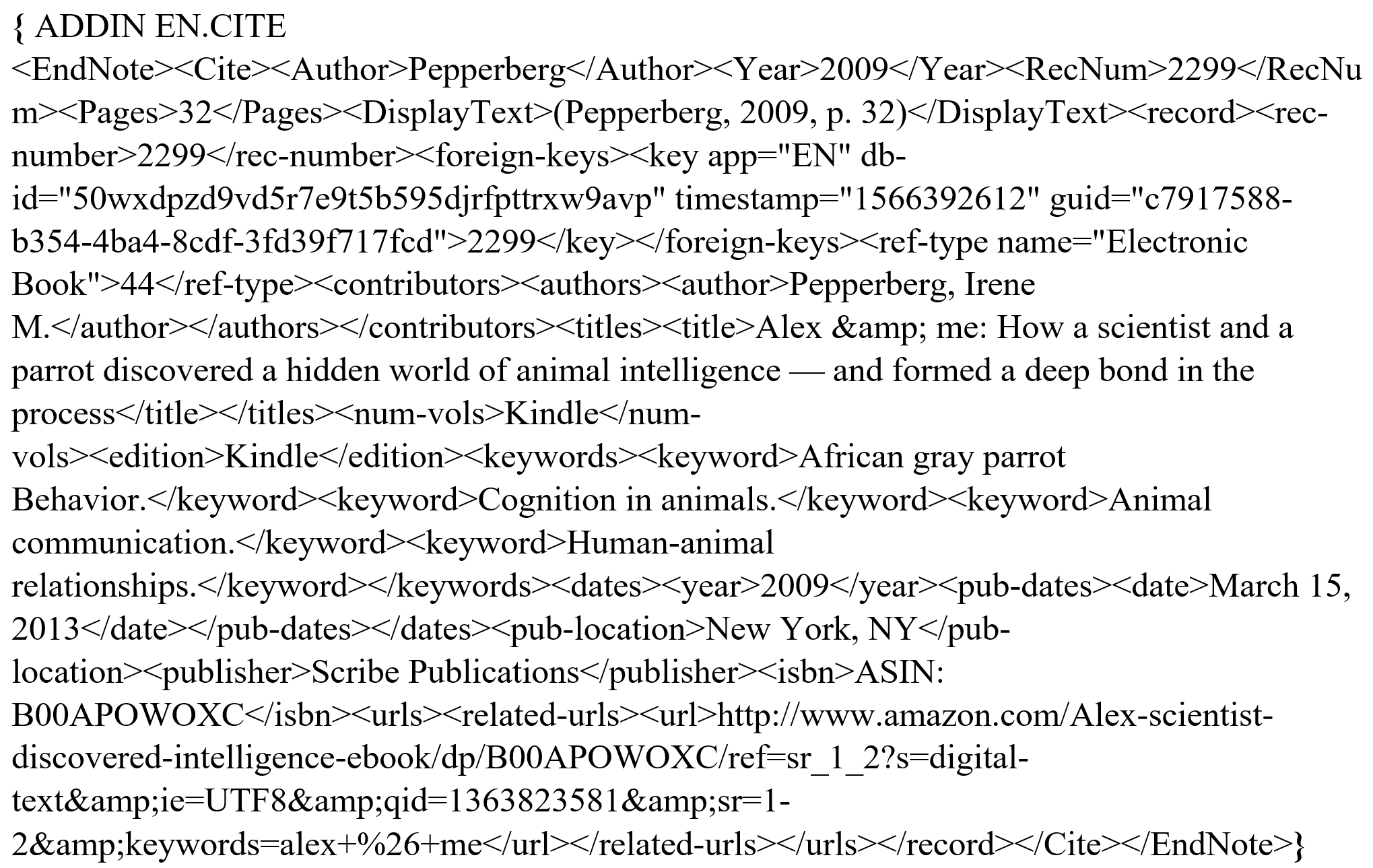
Field codes hold reference information for your formatted citations, and are typically hidden. See Field Codes in Microsoft Word for more information on field codes.
To hide field codes in Word:
- In Word, select Options from the File menu.
- Click Advanced.
- Scroll to the Show document content section and clear the box titled Show field codes instead of their values.
- Click OK.
Your citations will now appear correct in the document. Field codes are still there, and are necessary, but they are hidden from view.
Note: An easy way to turn field codes on or off is to press Alt+F9.