The EndNote Menu Button in Google Docs
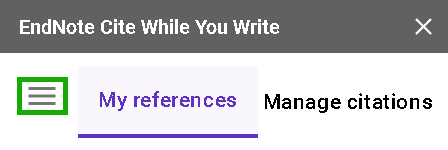
The Menu button, shown as three lines to the left of My references on the EndNote sidebar, will allow you to access the following useful commands.
Sync Now
The Sync Now button allows you to synchronize your EndNote library and document at any time.
My References
My References is another way to show the My References window.
Manage Citations
Manage Citations is another way to show the Manage Citations window.
Citation Style
Citation Style allows you to select the EndNote style to use to format your citations and bibliography.
Find a Journal (Formerly Manuscript Matcher)
Find a Journal uses complex algorithms and data from the Web of Science and Journal Citation Reports to identify the most relevant and impactful journals to which you may wish to submit your manuscript.
Preflight Presubmission Check
Preflight Presubmission Check helps EndNote users identify and correct technical and language issues in their manuscript prior to submission, minimizing chances of rejection. See Paperpal Preflight Presubmission Check.
Help
Help takes you to the EndNote support website, where you can request technical support help.
Send Feedback
Send feedback lets you suggest improvements to the development group.
EndNote Web
EndNote Web is a shortcut to access your EndNote Web library.
Sign Out
Sign out allows you to sign out of your EndNote Web account.